
How do I reset my password?
If you've forgotten your password or you want to change it for security reasons, you can reset it yourself from the login screen.
Reset from the login screen
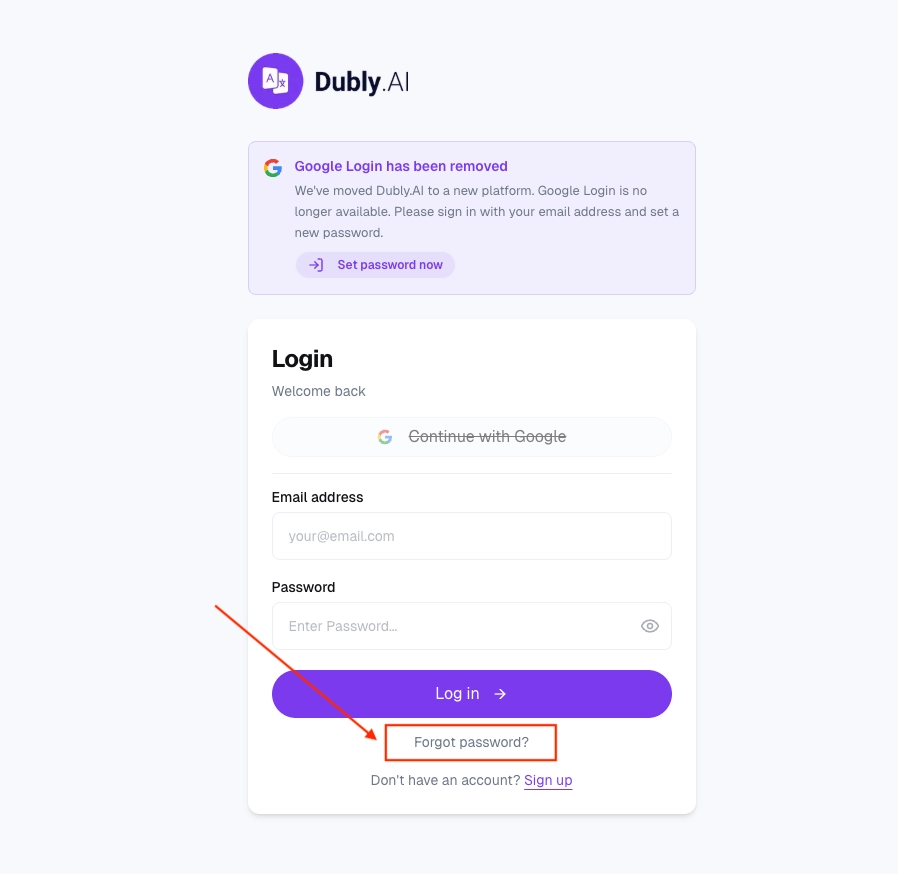
Go to the Dubly.AI login page.
Click Forgot password.
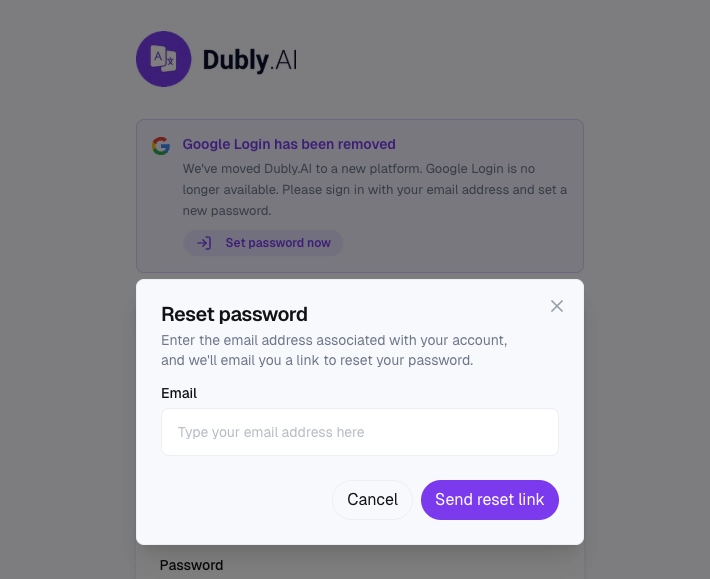
Enter the email address you signed up with.
We'll send a reset link to that email.
Open the email and click the link.
Enter a new password and save.
If the email doesn't arrive
The most common cause is a typo in the email address. Check your spam folder.
After resetting
You're logged in automatically after the reset. If you have Dubly.AI open in other browsers or devices, you may need to log in again there with the new password.